
Editorial note: Goji.my may earn a commission if you subscribe through links in this article. This does not influence our independent rankings. Our methodology.
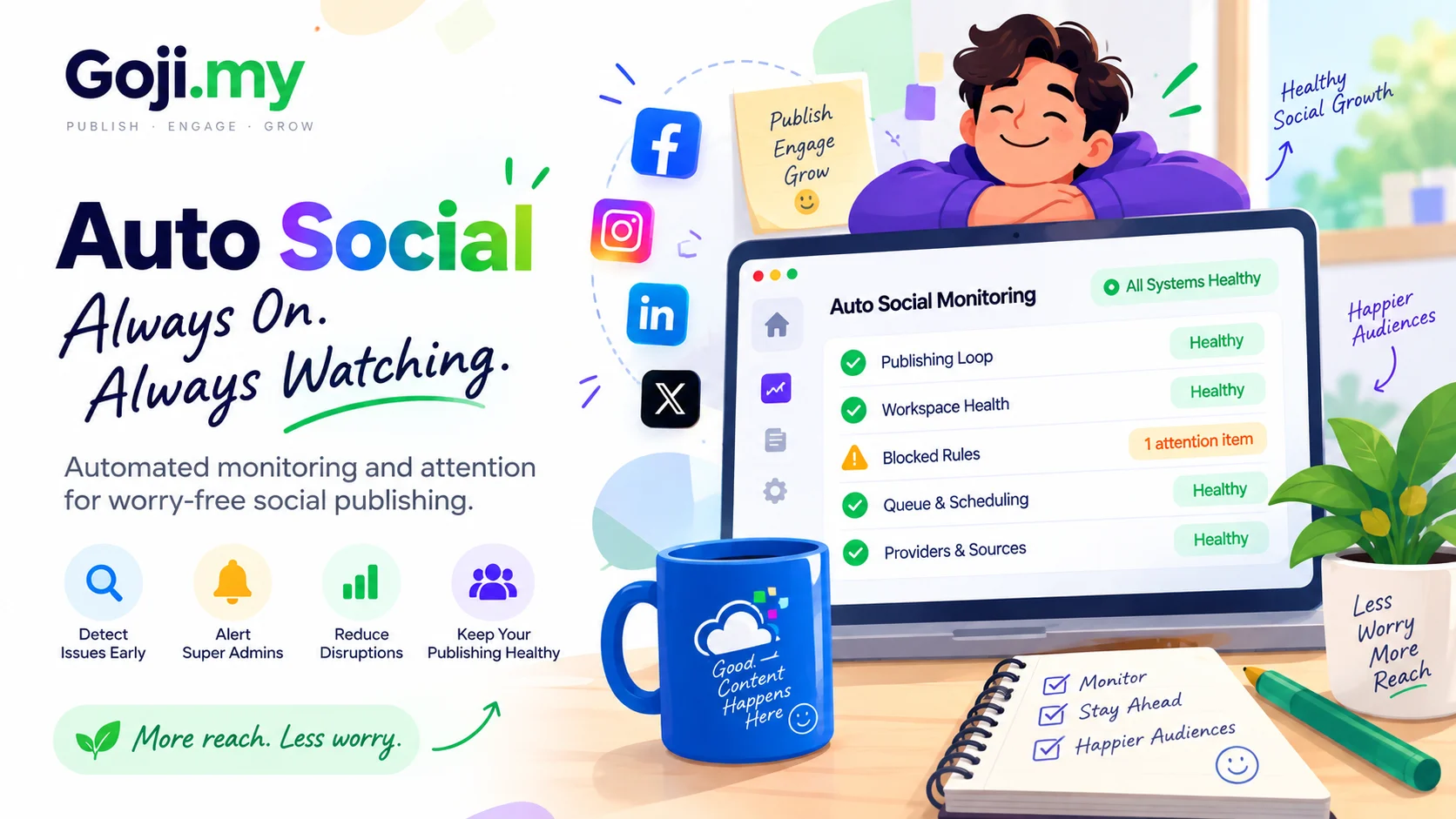
Short answer: you connect your website to Goji Auto Social once. From then on, every new article, product or video is picked up automatically. It is rewritten as a post that suits each social network and published on the schedule you choose. You stop copying links, rewriting captions and remembering to post. Your feeds stay active every day.
This guide explains what posting by hand really costs and what Auto Social does instead. It covers the benefits you get when you subscribe, how each one works, and how to set it up in an afternoon.
Why posting by hand stops working
Sharing one article takes a few minutes. Sharing every article, to every channel, every day, is a different job.
Picture a news site that publishes 15 stories a day and shares each one to Facebook, Instagram, Telegram and X. That is 60 posts a day. Each one needs the right length for its platform, the right link, an image, and a sensible time. In practice that leads to the same problems:
- Posts get skipped on busy days, holidays and weekends, exactly when readers are scrolling.
- The same caption goes everywhere, even though a Facebook post, a tweet and a Telegram message are read differently.
- Things get posted twice when two people share the same story, or when a story is updated and shared again.
- Nobody knows what happened. Did yesterday's post go out? Was it rejected? Nobody can say without checking every app.
Auto Social takes over that repetitive work and leaves the decisions to you.
What Goji Auto Social does
Goji Auto Social is a social media automation tool from Goji.my. It turns the content you already publish into a steady social presence. It works in four steps, and only the first one needs any thought:
- Connect your website. Auto Social reads your content as it is. There is no plugin to install and nothing to rewrite. It works with an RSS, Atom or JSON feed, a sitemap, the pages themselves, a YouTube channel, WooCommerce products or Shopify products.
- Choose where posts go. Connect the social accounts you want to publish to: Facebook Pages, Instagram Business, Threads, X (Twitter), Telegram, Discord, Pinterest, TikTok, Bluesky, Mastodon, Tumblr, Google Business Profile, WordPress, Blogger, Medium and more. The full, current list is on the Auto Social page.
- Set your publishing rules. Decide what goes where, how often, at what hours, and whether posts wait for your approval. Sensible defaults are already in place.
- Goji does the rest. New content is picked up, written for each platform, queued and published. Every post is logged with what happened and why.
What you get when you subscribe — and how each benefit works
1. Your time back, every day
The daily routine of opening each app, pasting the link, trimming the caption and picking a time disappears. Auto Social watches your site and does that part for every new item.
2. Posts written for each platform, not copied to all of them
A Facebook post is not a tweet. From the same source article, Auto Social adapts the length, tone, hashtags and call to action to each destination. You can choose one of thirteen brand voices or write your own.
One rule never changes: it never invents a fact, a price, a date or a claim that was not in your original content. It rewrites what you wrote; it does not make things up. You also choose whether a post leads with the headline or with the opening of the article, and how many words to use.
3. Clean posts, not copied web pages
Website content is not written to be a social post. Before anything is published, Auto Social strips the parts that only make sense on your page: navigation, share buttons, related-post blocks and tracking parameters on links. It keeps the text, the images and the link.
Posts that would be too thin to be worth publishing are held rather than sent. Images are resized to what each platform accepts.
4. Published at sensible times, never in a flood
Posts go out inside the hours you allow, spaced apart rather than in a burst. You can set a daily cap and a minimum gap between posts for each destination, so a busy news day does not flood anyone's feed.
Auto Social also learns which of your time slots get engagement and leans towards them.
5. No duplicates
Before anything is queued, it is checked against what you have already published. Six checks run: the article's own ID, its address, its headline, a fingerprint of the text, how similar it reads to recent posts, and an exclusive lock at the moment of publishing.
If a platform times out and nobody can tell whether the post went out, Auto Social holds it for you to decide. It does not retry blindly and risk a double post.
6. The link in the first comment on Facebook and Instagram
This is the newest addition. On Facebook Pages and Instagram Business, Auto Social can post one comment, as your Page, right under each new post. Typically it carries the article link, a short message, or your hashtags. You choose:
- What it says. Use a preset: "Link only", "Read more + link", "Title + link" or "Message + link". Or write your own text with placeholders such as
{post_title},{post_url}and{hashtags}. - When it appears. Right away, or after 30 seconds, 2, 10 or 30 minutes.
Each post gets the comment only once. On Facebook you can pair it with the "image + caption, no link" post format. The picture and your caption lead the post, and readers find the full article one tap away in the first comment.
Facebook offers five formats in all: standard link post, image + caption, image only, text only, and a fully custom caption.
Already connected Facebook or Instagram before this feature arrived? Reconnect once in Auto Social so the app may comment as your Page. Until you do, comments are skipped with that reason shown.
7. Control, whenever you want it
Automation is only useful if you can steer it:
- Approval mode holds every post for a look before it goes out. Use it permanently, or just for the first week.
- A pause switch stops everything at once.
- Rules you can copy. Once a rule works for one destination, copy it to another instead of building it again.
8. You always know what happened
Every post carries its reason, in plain words: published, waiting for its slot, held for approval, skipped as a duplicate, or stopped by the platform. A stopped post shows the platform's own message.
Temporary problems, such as a platform timing out, are retried on a sensible delay. Permanent ones, such as an expired connection, stop and tell you, so you can fix them rather than wonder.
9. Nepali content works as written
Auto Social reads Nepali (Devanagari) articles from your site and publishes them with the original characters intact: headline, text and link.
10. One login for Auto Social and Social Commerce
If you already use Goji Social Commerce, Auto Social reuses the same social connections. You never connect an account twice.
Who gets the most out of it
| You run… | What Auto Social does for you |
|---|---|
| A news portal or blog | Every new story reaches Facebook, Instagram, Telegram, X and your other channels inside your posting hours. Captions fit each platform, and there are no duplicates when a story is updated. |
| A WooCommerce or Shopify store | Every new product is announced with its picture and link, without anyone writing a post. |
| A YouTube channel | Each new video is shared to your social accounts automatically. |
| An agency or a team | Several websites and many accounts run from one dashboard, with approval mode, team seats and a full publishing history. |
Posting by hand vs. Goji Auto Social
| By hand | Goji Auto Social | |
|---|---|---|
| Notices new content | Someone has to remember | Automatically, from your feed, sitemap, store or channel |
| Caption per platform | Usually one caption copied everywhere | Adapted per destination, without invented facts |
| Posting time | Whenever someone is free | Inside your allowed hours, spaced out, learning from engagement |
| Duplicates | Easy to post twice | Six checks before publishing |
| Link in first comment | Typed by hand after each post | Automatic on Facebook and Instagram |
| Knowing what happened | Check every app | One log, with the reason for every post |
How to set it up
- Start the free trial. Every plan includes 7 days, no card required.
- Connect your source. Add your site's feed, sitemap or page address. For stores and YouTube, follow Connecting WooCommerce, Connecting Shopify or Connecting YouTube.
- Connect your social accounts. For Facebook, see Connecting your Facebook Page.
- Create a rule for each destination: posting hours, daily cap, minimum gap, brand voice, and whether to approve first.
- Turn on the first comment for Facebook and Instagram if you want the link or hashtags under each post.
- Watch the first few posts in the publishing log, then let it run.
Plans at a glance
All plans include the 7-day free trial. You can cancel anytime, and there is no setup fee.
- Basic: one website and a small social presence. 60 published posts a month.
- Professional: growing teams publishing across several platforms. 5 websites, 600 published posts a month, campaigns and advanced insights.
- Business: agencies and high-volume publishers. Unlimited websites and published posts, API access and outbound webhooks.
You are warned at 80% and 90% of your monthly limit. At 100%, publishing pauses until the next month or until you upgrade, so there is never a surprise bill. Current prices and the full comparison are on the Auto Social page.
Frequently asked questions
Do I need technical skills or a plugin?
No. If your site has a feed, a sitemap or an API, it can be connected, and the pages themselves can be read too. Nothing is installed on your website.
Will it change what I wrote?
It writes a caption for each platform from your content. It never invents facts, prices, dates or claims that were not in your original. That rule is built into every brand voice, including a custom one.
Can I check posts before they go out?
Yes. Approval mode holds every post for review, and there is a switch to pause everything.
Does the first comment work on every platform?
It works on Facebook Pages and Instagram Business, the two platforms where a comment as your Page is supported. Other destinations publish the post in their usual format.
What happens if a platform rejects a post?
You see the real reason. Temporary problems are retried automatically; permanent ones are reported so you can fix them.
Start posting less and publishing more
Your website already produces the content. Goji Auto Social makes sure every piece of it reaches your audience on every channel you use, at a sensible time, in a format that fits, without anyone having to remember. Start your 7-day free trial; no card is required.