How Goji Flow works
When this happens, do that — every time
Goji Flow runs the routine work of your Goji workspace by itself: follow-ups, assignments, reminders and customer updates happen on time, and you can see exactly what ran and why.
-
1
Something happens
A new lead arrives, a deal is won, an order changes status, a ticket is opened, a customer waits for a reply — or a schedule says it is 9 a.m.
-
2
Flow checks your rules
"Only if the lead came from Facebook", "only if the order is above Rs 10,000" — conditions decide whether it runs, and which way it goes.
-
3
It waits when you want it to
Wait a day, wait until Monday 10 a.m., or wait for a manager to approve before the next step.
-
4
Then it does the work
Creates a task, gives a lead an owner, moves a deal, tags a contact, notes an order, assigns a chat, alerts the team or updates the customer.
-
5
And shows you what happened
Every run is recorded step by step, with the reason anything was skipped or failed. A step that fails for a passing reason is retried by itself, but never one that might already have happened.
Ready-made starters you can switch on in minutes
New lead → call task in an hour and an alert to the lead's owner.
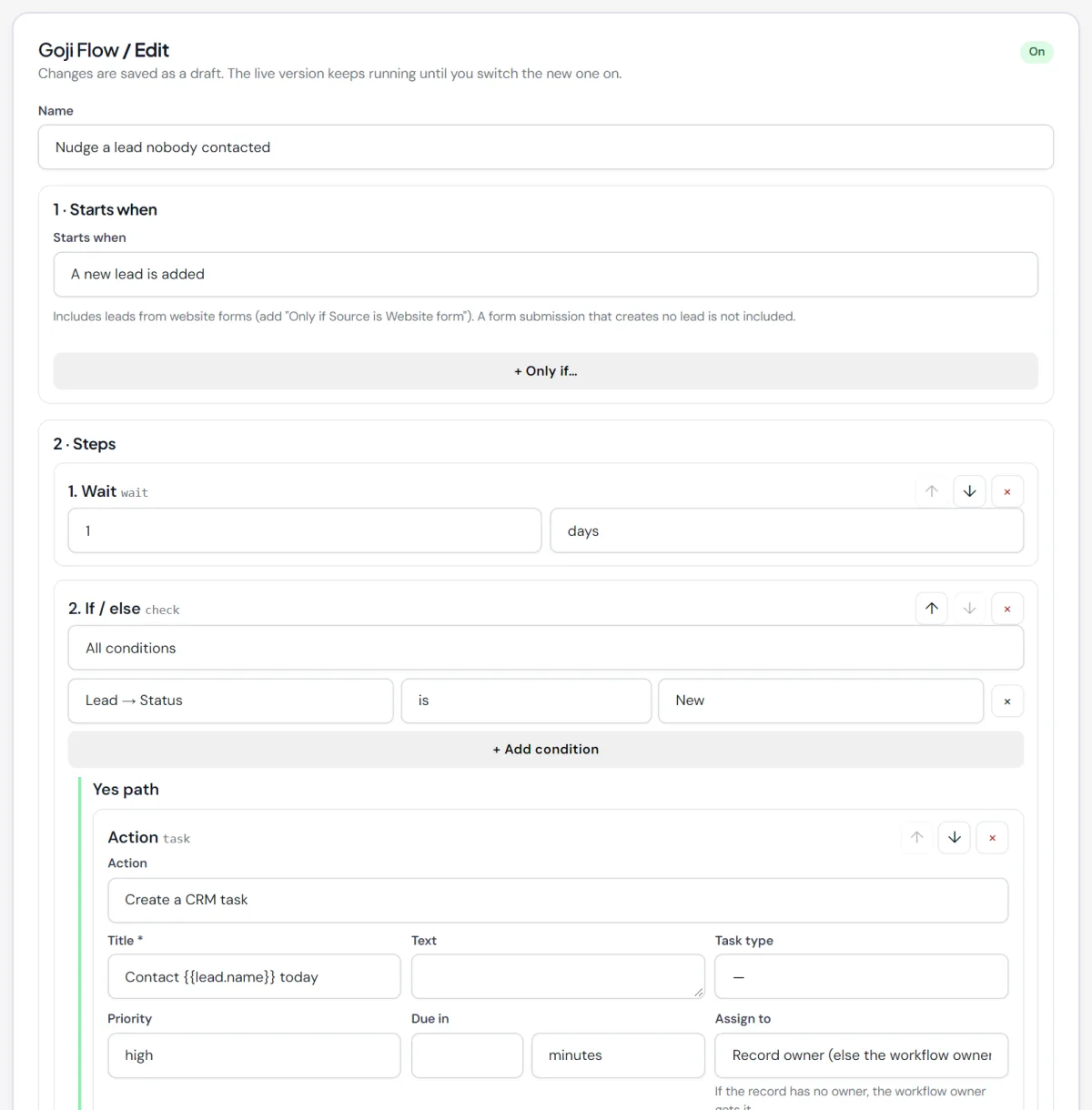
Lead still "new" after a day → nudge a task for today and an alert, only if nobody has contacted it.
Deal won → thank-you task and a note on the timeline with the value.
Order shipped → tell the customer by email, SMS or WhatsApp, unless they opted out (Professional and Business).
Order cancelled → alert managers the moment it happens.
Customer waiting for a reply → assign the chat to the right teammate, with an alert.
Start from one of these or from a blank workflow, change any step, and test it on a real record before you switch it on.